The idea of managing payments conveniently is quite appealing to many people. For anyone who uses PayPal often, having a PayPal Mastercard may just make daily transactions easier and smoother.
This article explores how to apply for a PayPal Mastercard online, plus some key considerations for applicants. With more purchases happening online and people seeking flexible payment tools, understanding the process could be especially valuable.

If you’re someone who shops or sells frequently using PayPal, or if you’re just interested in how a PayPal Mastercard works, you might find this guide helpful.
Understanding the PayPal Mastercard
Before even thinking about the online application, it’s crucial to know exactly what the PayPal Mastercard offers. It is basically a credit card issued by a bank, but tied directly to your PayPal account.
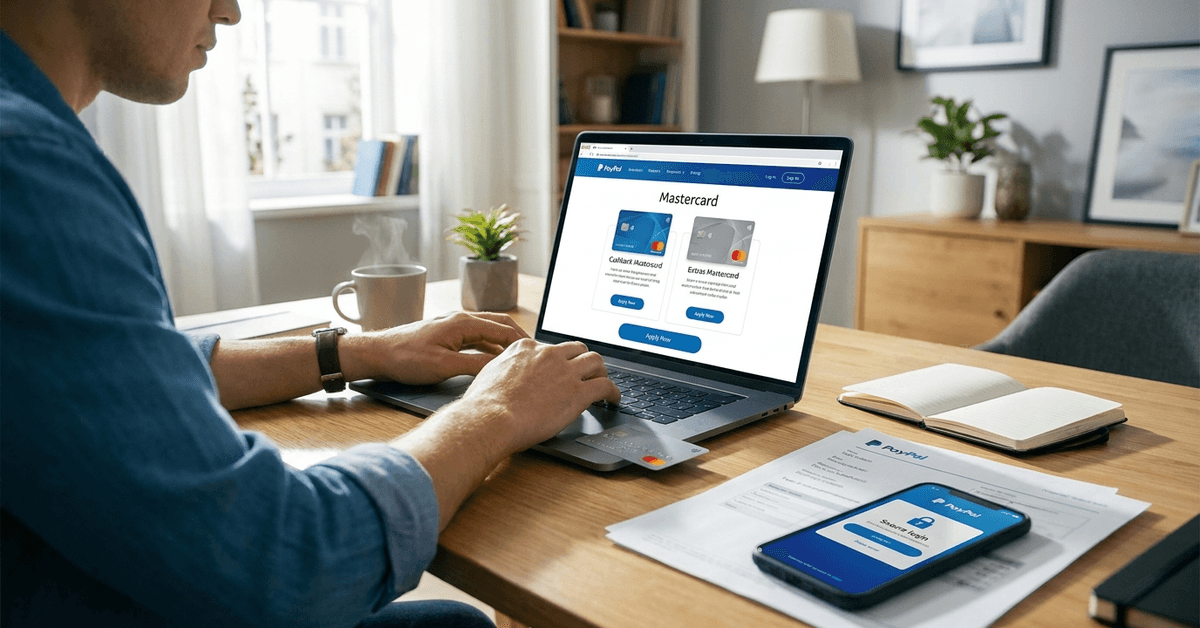
Issuers can include banks such as Synchrony Bank in the United States. There are actually two versions: the PayPal Cashback Mastercard and the PayPal Extras Mastercard.
Each one brings its own set of rewards, which might be enticing to regular users. Some people like the cashback option, while others might prefer accumulating points for various perks. However, features, eligibility, and availability may vary by location.
Potential Benefits of the PayPal Mastercard
Seamless Integration With PayPal
The most obvious benefit, some say, is the way this card combines with your PayPal wallet, making it easier to access your credit lines and handle payments in one place.
Purchases made with the card can be tracked via your PayPal dashboard with little confusion. There’s a bit of relief in seeing everything organized digitally.
Rewards and Perks
The Cashback Mastercard offers 2% cashback on purchases, which some find quite competitive compared to other cards available.
The Extras Mastercard, though, earns points toward gift cards and travel—sometimes these feel more useful, depending on personal preference. Admittedly, rewards can shift over time, so it’s always good to read the latest terms on the PayPal site.
Worldwide Acceptance
As a Mastercard, it is accepted wherever Mastercard is supported, both online and offline. This is helpful, though there may be some exceptions. For international users, foreign transaction fees and eligibility need to be examined before use.
How to Prepare Before Applying Online?
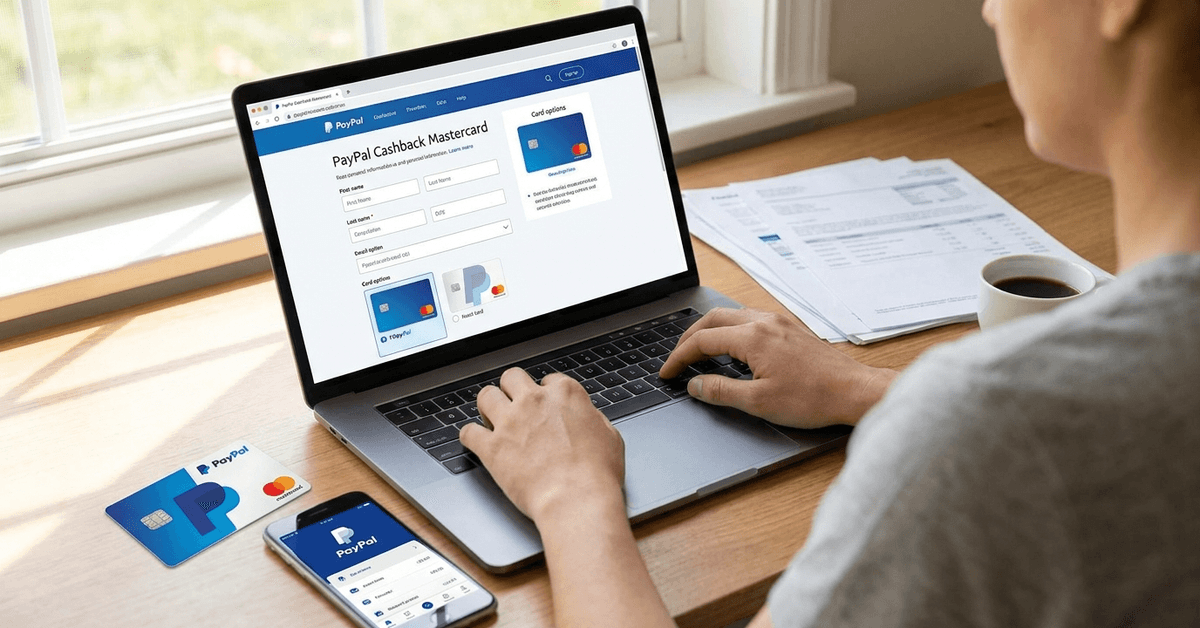
Lately, many have discovered that a little preparation can make the online application go faster. A valid PayPal account is a must, of course.
The account should be in good standing. Usually, that means no unresolved account limitations or pending claims. A valid address and identification details will also be needed.
For most, having a decent credit score helps, though some applicants with average scores have been approved in the past. Still, financial history plays a role in acceptance and credit limit decisions.
- Make sure your PayPal account is active and verified.
- Check that your personal details are up to date.
- Have your Social Security Number or tax ID ready (for US applicants).
- Double-check your contact information for accuracy.
- Consider if you’ve recently applied for other credit cards, as too many inquiries may impact approval.
Step-By-Step Online Application Process
The process itself can be fairly straightforward for most people, but occasionally technical issues or eligibility flags can slow things down. It tends to involve the following steps:
- Log in securely to your PayPal account. Ideally, this is done on a trusted device with two-factor authentication enabled.
- Find the PayPal Mastercard application link—often located under the “Financing” or “Wallet” tab on your dashboard.
- Choose between the Cashback or Extras Mastercard, depending on your preferences and needs.
- Enter all required personal details. This typically includes address, employment status, annual income, and sometimes additional identity verification questions.
- Review the terms and disclosures carefully. Some people recommend saving these documents for future reference, just in case there are questions later.
- If everything looks correct, submit your application electronically. At this stage, PayPal’s issuing partner will perform a credit check. Results can be instant, but occasionally, there might be a delay for manual review.
- If approved, you usually receive your card by mail in a few days to a couple of weeks. The digital card details might be available within your PayPal account almost immediately for online purchases.
Common Eligibility Questions
Some readers have asked whether non-US residents can apply; currently, the PayPal Mastercard is primarily available to US-based users.
It seems the requirements are quite country-specific—checking the current PayPal Help Center or contacting PayPal customer support might clarify regional availability.
Age, credit, and income requirements are typical for a regular credit card. Having recent negative marks on a credit report (like late payments or high balances) may hurt approval odds, but there are always exceptions.
Nobody should feel discouraged from trying, unless warned by a recent denial for a similar card.
Tips for a Smooth Application
- Update your browser and clear cache before applying. Glitches can sometimes stall the process.
- Use a stable internet connection, ideally not public Wi-Fi, to protect your personal information.
- Double-check all personal data before submitting. Typos are more common than one might think, leading to frustrating delays.
- If denied, consider requesting a free credit report to identify any issues or recent changes in your score.
- Some users prefer applying during off-peak hours, believing the server response is snappier, though that’s mostly anecdotal.
Responsible Use and Account Management
After approval and activation, the real responsibility begins. Some people overlook this phase, but managing credit wisely is crucial. Set payment reminders to avoid late fees and always read the statement carefully.
The PayPal Mastercard can be managed directly from the dashboard, with most card actions—such as viewing payment history or checking your available balance—easily accessible.
It feels reassuring to have everything in one place, but it’s still worth logging in regularly to spot fraud or unauthorized transactions quickly.
Fees, Rates, and Security Considerations
Annual Fee and Other Costs
The PayPal Mastercard doesn’t typically charge an annual fee, which is one reason it’s attractive to frequent PayPal users.
However, aspects like the APR (Annual Percentage Rate) for purchases, cash advance fees, and late payment penalties can add up if not carefully managed.
The exact terms may be updated, so it’s sensible to consult the latest cardholder agreement before and after approval.
Security and Safe Use
Like with any credit product, security is essential. Keeping the card details safe, enabling alerts on your PayPal dashboard, and activating two-factor authentication for your account can significantly reduce risks of fraud.
In the event of a lost or compromised card, PayPal and its issuer provide support channels for quick deactivation and dispute resolution. The resolution process may take some time, but most users report satisfaction with the outcomes.
Alternatives to the PayPal Mastercard
While the PayPal Mastercard integrates tightly with PayPal, it is not the only option. Other cards—some issued by banks that partner with PayPal for special programs—can also link to your PayPal wallet.
Alternative digital payment cards may offer distinct advantages, like lower foreign fees or special purchase protections. Comparing these can help you decide what fits best with your spending style.
Final Thoughts on PayPal Mastercard
The PayPal Mastercard can be useful for frequent PayPal users who want easier payment tracking and integrated card management. Its value comes from rewards, online convenience, worldwide Mastercard acceptance, and no typical annual fee.
Applicants should review eligibility, APR, fees, credit requirements, and security settings before applying. Used responsibly, it can support smoother digital payments while helping users manage everyday spending more efficiently.