If you want flexible delivery work, an Amazon Flex Driver application is one option you can apply for through an app.
The sign-up process happens inside the driver app, and you need to live where the program operates and meet local eligibility rules.
What Amazon Flex Is and What the App Does
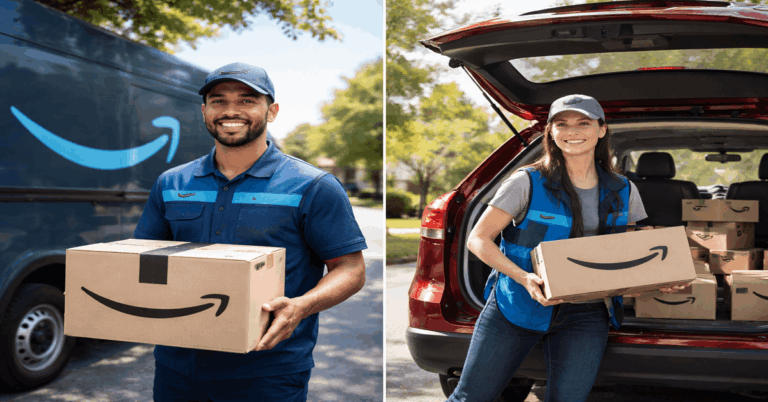
Amazon Flex is a delivery program where you use your own vehicle to deliver packages in supported areas.
The app is where you complete your registration, accept delivery blocks, navigate stops, and confirm deliveries.
What you see in the app depends on your approved region and local demand. If your area is full, the app may show a waitlist until new spots open.
What Do You Need to Become an Amazon Flex Driver
Requirements vary by country and sometimes by city, so use this as a checklist and confirm the final rules in the app during signup.
Eligibility and location basics
- Flex availability in your area and an open spot for new drivers
- Minimum age, which can differ by market
- Legal right to work in your country (or region-specific proof)
- Valid driver’s license for your location
- A smartphone that can run the app reliably
Vehicle and insurance basics
- A qualifying vehicle type for local delivery needs
- Auto insurance that meets local legal requirements
- A vehicle condition that supports safe driving and repeated stops
Documents you should prepare
- Government-issued ID
- Driver’s license
- Any local identifier requested in your country (for example, in the U.S., a Social Security Number is commonly requested)
- Proof that supports work eligibility if required in your market
- A clear, current profile photo if the app requests one
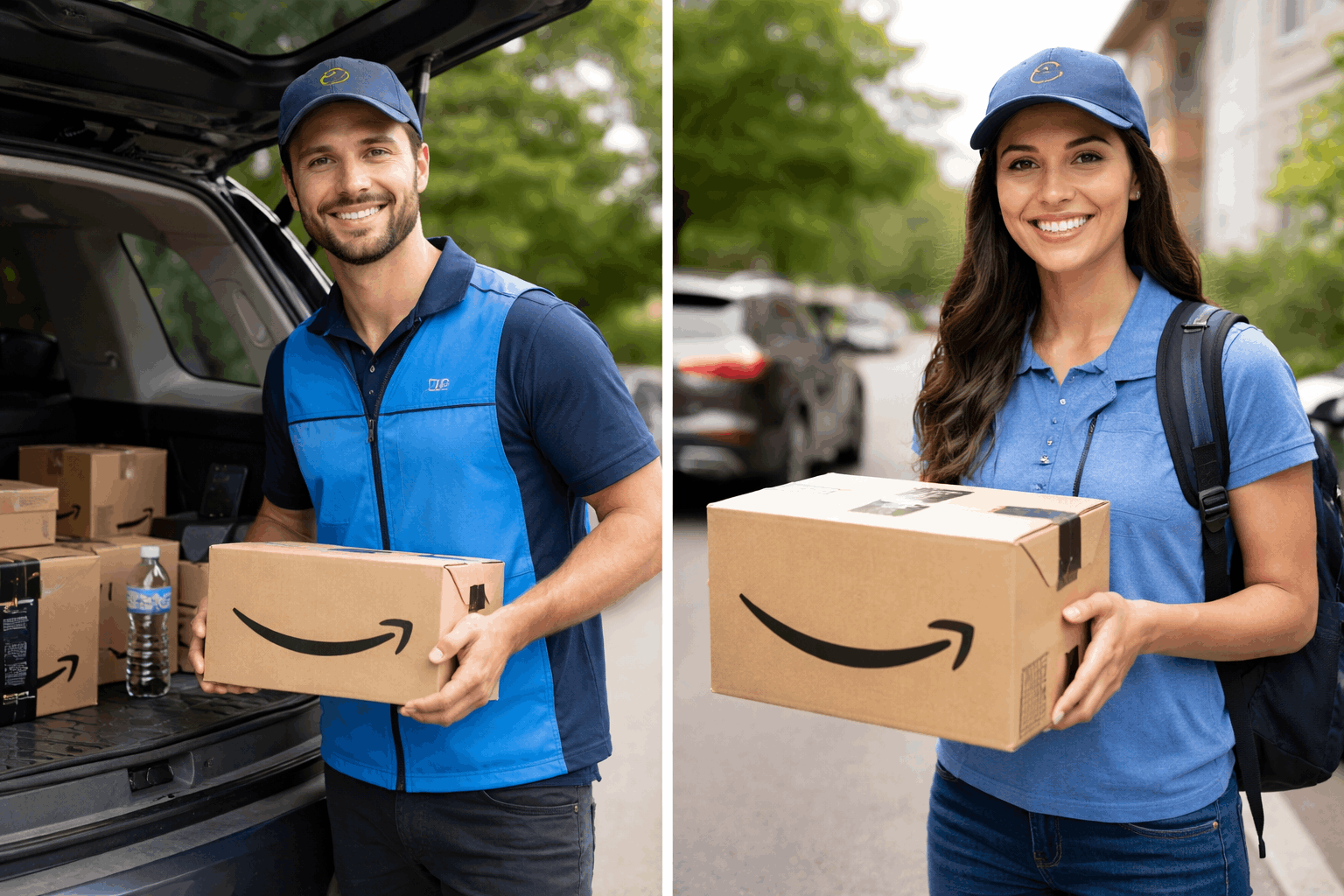
Amazon Flex Driver Application: Step-by-Step
For the Amazon Flex drivers application for employment, the key thing to know is that you are not filling out a traditional office application.
You are completing a real onboarding flow with identity checks and a background review.
Follow these steps in order to reduce delays.
Step 1: Check if Amazon Flex is available in your city
Before you do anything else, confirm that Flex operates in your area. If there are no openings, you may be placed on a waitlist.
This is a normal part of the process and depends on demand and capacity.
Step 2: Download the Amazon Flex driver app from the official store
Install the Amazon Flex driver app from your phone’s official app store.
Avoid unofficial downloads so you do not run into login issues, security risks, or outdated versions.
Once installed, open the app and begin the registration process.
Step 3: Sign in and start your driver profile
The app will ask you to sign in and begin your driver profile.
Use accurate information that matches your documents, especially your name and date of birth.
If you use nicknames or inconsistent spelling, it can slow down document review later.
Step 4: Choose or confirm your delivery region
During onboarding, you will select or confirm the region you want to deliver in.
This matters because block availability is tied to the locations you are approved for.
If you plan to work in a specific city area, choose the region that matches where you can realistically pick up packages.
Step 5: Add personal details and upload required documents
This is the part where many delays happen, so be careful. The app may ask for your driver’s license, ID, and other locally required information.
Upload clear, well-lit images that show the full document, and double-check that details are readable before you submit.
Step 6: Complete the background check process
A background check is a standard part of Amazon Flex onboarding in many markets.
The time for this step can vary, and it may take longer if your information needs manual review.
If you are wondering how long does amazon flex take to hire, this background check stage is often the biggest variable.
Step 7: Finish any in-app learning and setup steps
Some markets include short training modules or app walkthroughs before you can begin.
You may also need to enable permissions like location access so navigation and delivery confirmation work correctly.
Complete every required item in the app so your account can move to “ready to deliver.”
Step 8: Reserve a delivery block and complete your first shift
Once your Amazon Flex Driver application is approved, you can reserve blocks based on what is available.
Choose a block length that feels manageable for your first time so you can learn the pickup location process, scanning steps, and drop-off flow.
After that, you can adjust your choices based on what you can finish comfortably.
How Long Does Amazon Flex Take to Hire
If your question is how long Amazon Flex takes to hire, the most accurate answer is that it depends on two things.
First is how quickly your background check and document review are completed.
Second is whether your area has open spots, because some regions place new applicants on a waitlist even if everything is submitted correctly.
In many cases, applicants finish the onboarding steps within a few days, but it can take longer.
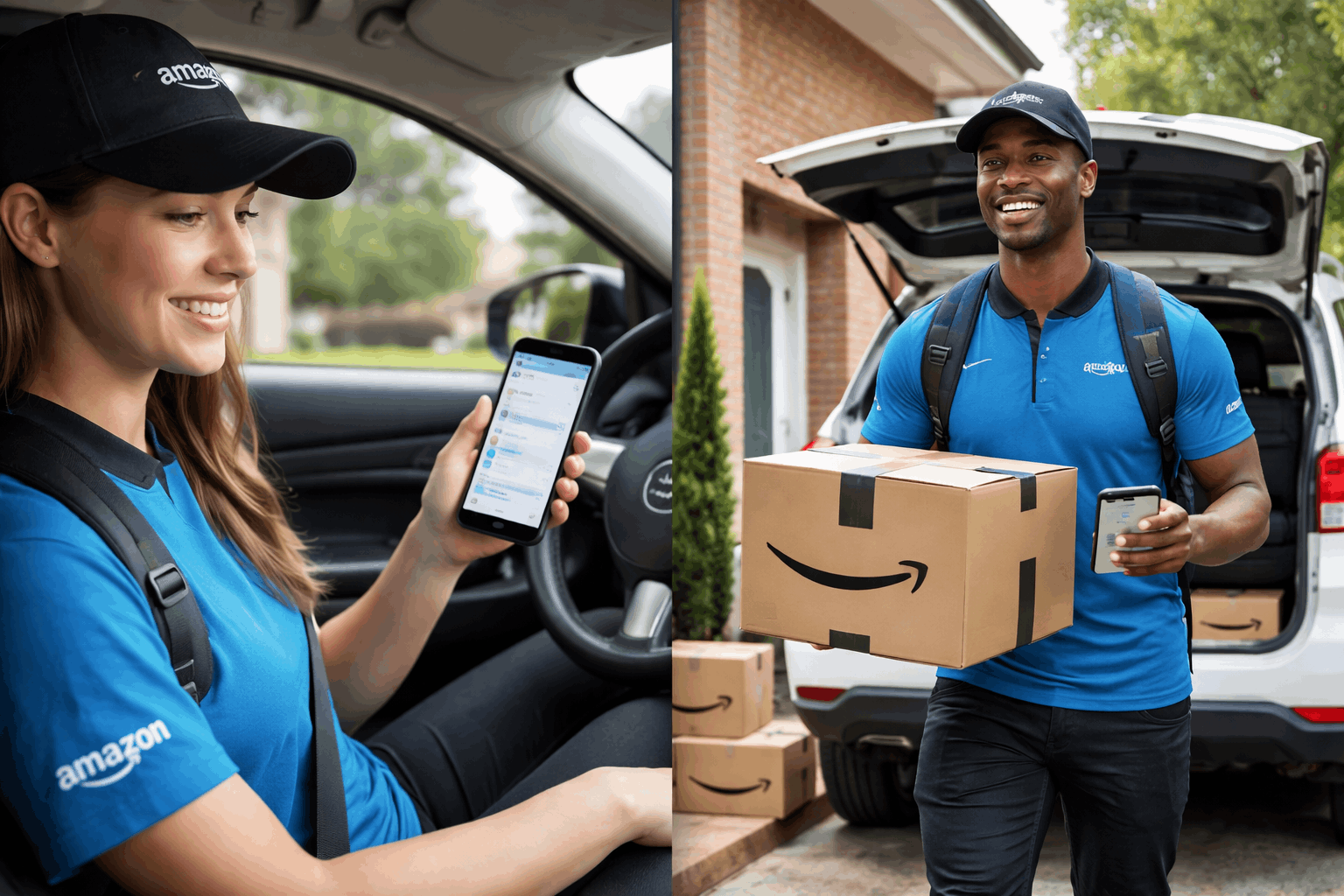
Common Problems That Slow Down Approval
Using a name that does not match your legal ID. Uploading blurry photos of your driver’s license or documents.
Choosing a delivery region that you cannot realistically reach for pickups. Having an outdated phone system that struggles to run the app smoothly.
Missing steps in the app, such as permissions or required setup items.
If you want fewer delays, treat the onboarding like a formal application and review every screen before you tap submit.
Quick Tips to Improve Your Chances
Apply when you have time to finish the flow in one sitting.
Keep your documents beside you so you do not rush uploads.
Use a stable internet while submitting forms and images.
Check the app regularly if you are placed on a waitlist, because openings can change.
Conclusion
The simplest way to start the Amazon Flex Driver application is to follow the onboarding steps carefully.
This guide showed how to become an Amazon Flex driver with practical requirements and a clear process.
If you are ready, complete your profile accurately, submit clear documents, and watch for approval updates in the app.
Disclaimer: Requirements, onboarding steps, availability, and timing can change by country and city. Always confirm the latest rules and details inside the Amazon Flex app and the official Amazon Flex website for your region.